If you install or update qBittorrent with Homebrew, you’ve probably seen one of these messages:
Error: Cask 'qbittorrent' has been disabled because it does not pass the macOS Gatekeeper check! It was disabled on 2026-09-01.Warning: Not upgrading qbittorrent, it is disabled because it does not pass the macOS Gatekeeper check! It was disabled on 2026-09-01.Here’s what happened and how to keep using qBittorrent on your Mac.
- What happened
- What it means for you
- Option 1: Lizard
- Option 2: The app from qbittorrent.org
- Option 3: An unofficial Homebrew tap
- Option 4: Build qbittorrent-nox yourself
- Remove qBittorrent from Homebrew
What Happened
Homebrew no longer installs apps that macOS Gatekeeper blocks. The qBittorrent app for Mac isn’t notarized by Apple, so on September 1, 2026, Homebrew disabled the qbittorrent cask, together with qbittorrent@lt20 and c0re100-qbittorrent. To check the status yourself, run:
brew info --cask qbittorrentThe qBittorrent team is discussing a Homebrew tap of its own in issue #24052, but as of October 2026 there isn’t one. The latest build for Mac on qbittorrent.org is qBittorrent 5.2.3, while Windows and Linux already have 5.3.0.
What It Means for You
- If qBittorrent is already installed, it keeps working. Homebrew just won’t update it, and every
brew upgradeshows the warning above. brew install --cask qbittorrentdoesn’t work anymore, so you can’t set up qBittorrent on a new Mac this way.- Homebrew deletes disabled casks about a year after disabling them. After that,
brewwon’t know about qbittorrent at all.
Option 1: Lizard
Lizard installs qBittorrent 5.2.4 in one click. It’s built from the unmodified qBittorrent source code, signed with a Developer ID and notarized by Apple, so macOS opens it without warnings and you don’t have to turn anything off. qBittorrent runs in the background, and you manage it from a native Mac app.
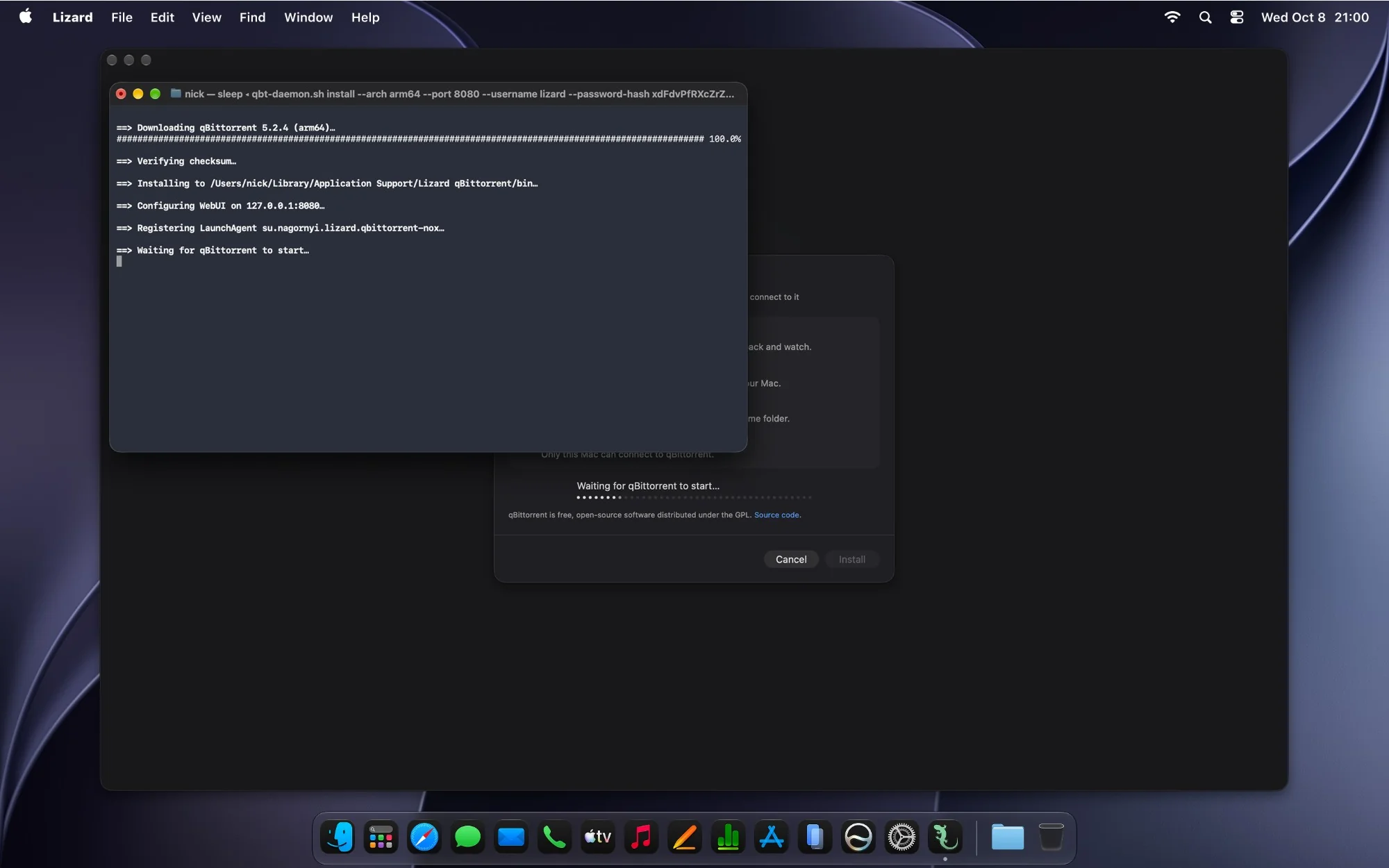
Lizard needs macOS 14 or later and is free to download. You can move your torrents from the qBittorrent app without downloading them again — see Moving from the qBittorrent app. RSS feeds and torrent search aren’t in Lizard yet: if you rely on them, choose Option 2 or 3 for now.
Option 2: The App from qbittorrent.org
Download the DMG from qbittorrent.org. Neither the disk image nor the app inside it is notarized, so macOS blocks both the first time:
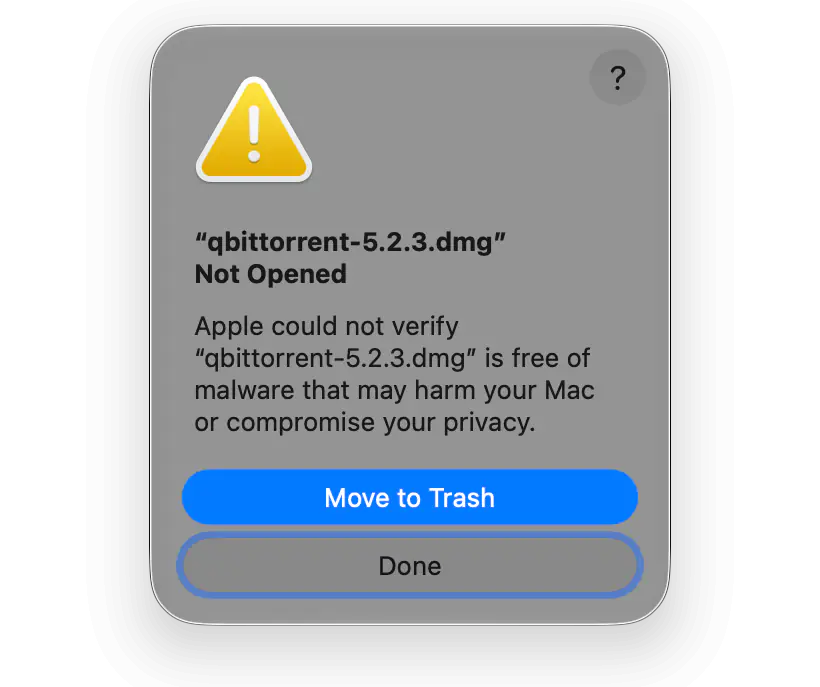
- macOS 15 or later: click Done in the warning. Open System Settings → Privacy & Security, scroll down to Security and click Open Anyway next to the message about the disk image. In the next warning, click Open Anyway again and confirm with Touch ID or your password. Then drag qBittorrent to the Applications folder, open it and allow it the same way.
- macOS 14: Control-click qBittorrent in the Applications folder, choose Open and confirm.
macOS remembers your choice only for this copy of the app. You’ll have to download and allow every update the same way. Step-by-step instructions with screenshots are in qBittorrent is damaged or can’t be opened on Mac.
Option 3: An Unofficial Homebrew Tap
A qBittorrent user maintains a Homebrew tap with the same cask. It installs the same build as qbittorrent.org, which isn’t notarized. If qBittorrent is still installed from the main Homebrew repository, remove it first. Then add the tap and install qBittorrent:
brew tap woj-tek/qbittorrentbrew install --cask woj-tek/qbittorrent/qbittorrentmacOS still blocks the app. The tap suggests removing its quarantine attribute, which turns off the Gatekeeper check for qBittorrent:
xattr -rd com.apple.quarantine /Applications/qBittorrent.appThe tap isn’t official, and its author updates it by hand. It may move to the qBittorrent organization on GitHub, so check issue #24052 before relying on it.
Option 4: Build qbittorrent-nox Yourself
You can build qBittorrent without the GUI, qbittorrent-nox, from source, and manage it from a browser or from Lizard. How to install qbittorrent-nox on a Mac covers two ways to build it — with the script used for Lizard’s qBittorrent or with libraries from Homebrew — and how to start it at login.
Remove qBittorrent from Homebrew
To stop the warning in brew upgrade, remove the disabled cask:
brew uninstall --cask qbittorrentThis removes qBittorrent from the Applications folder. Its settings and the list of torrents stay in your Library folder, and downloads stay where qBittorrent saved them, so the app from qbittorrent.org or from the tap picks them up again.